
Coming soon on Kickstarter

Cast your shortcuts.

CodingWand is a wand-shaped controller for coders & creators. Remap keys, fire macros, sculpt RGB lighting — and when typing breaks your flow, just talk instead.

Be first in line for early-bird pricing. No spam — unsubscribe anytime.

See it in actionWindows & macOS No app store, no account
Why a wand?

You think in ideas. Not keystrokes.

AI writes most of the code now — your real job is directing it. But every prompt, shortcut, and undo still means hunting for key combos. CodingWand puts your most-used actions, and your voice, one wave away.

Hunting for Ctrl+Shift+POne button.
Re-typing the same AI promptOne macro.
Breaking flow to type a noteJust talk.
Features

One wand, your whole workflow.

Nine physical controls, fully reprogrammable from the companion app — so the things you do a hundred times a day take one move.

Remap any key

Bind single keys, combos, mouse clicks, media, or system actions — then push it to the wand. No driver, no relearning.

Macros on a wave

Chain keystrokes, text, and delays into one press. Re-run that AI prompt or scaffold a whole file in an instant.

Dual-layer RGB

A status layer that reacts to your device, plus an expression layer you design on a live color wheel.

Profiles per app

Separate key maps and light themes per workflow. Switch the whole wand in a single tap.

Stick · 3 keys · trigger

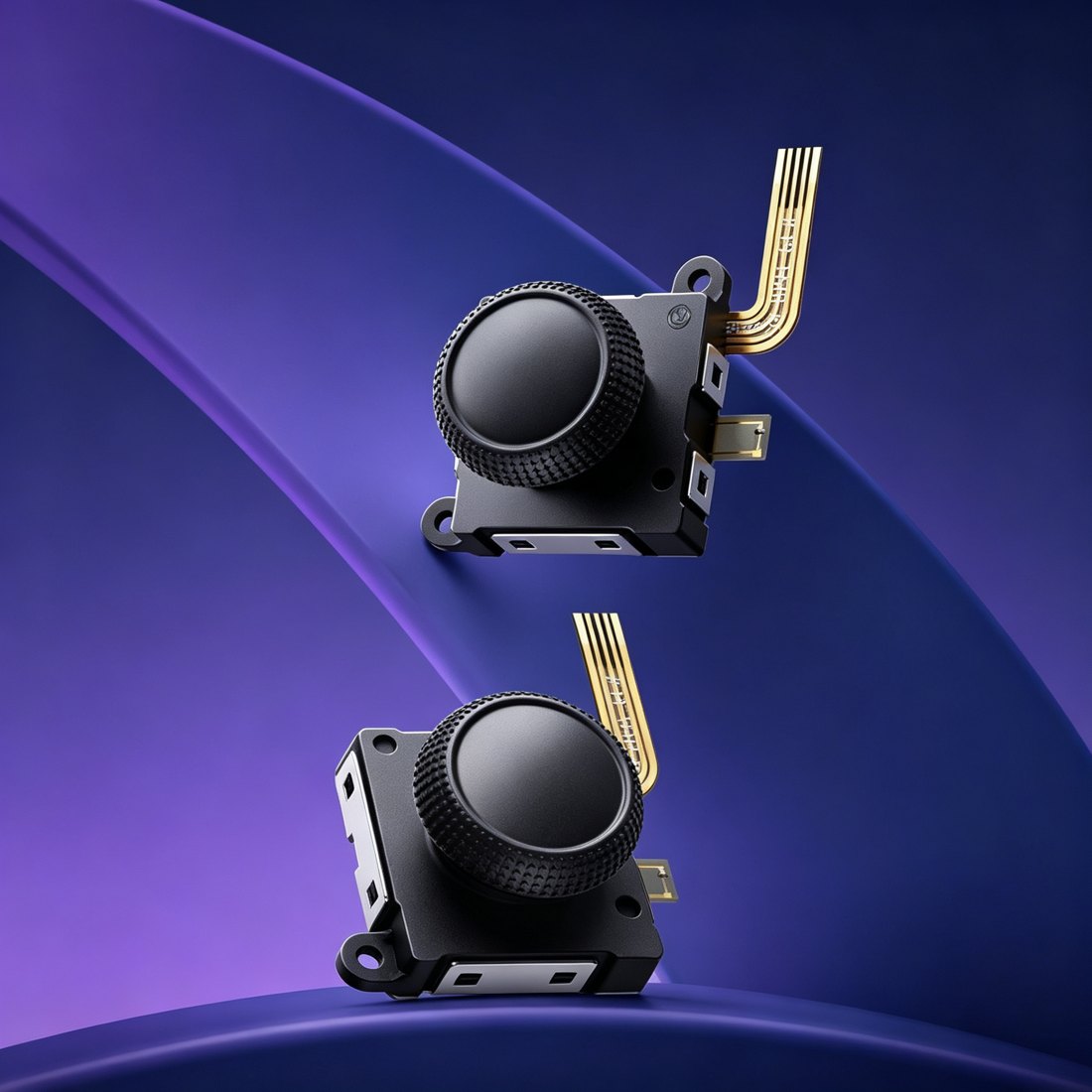
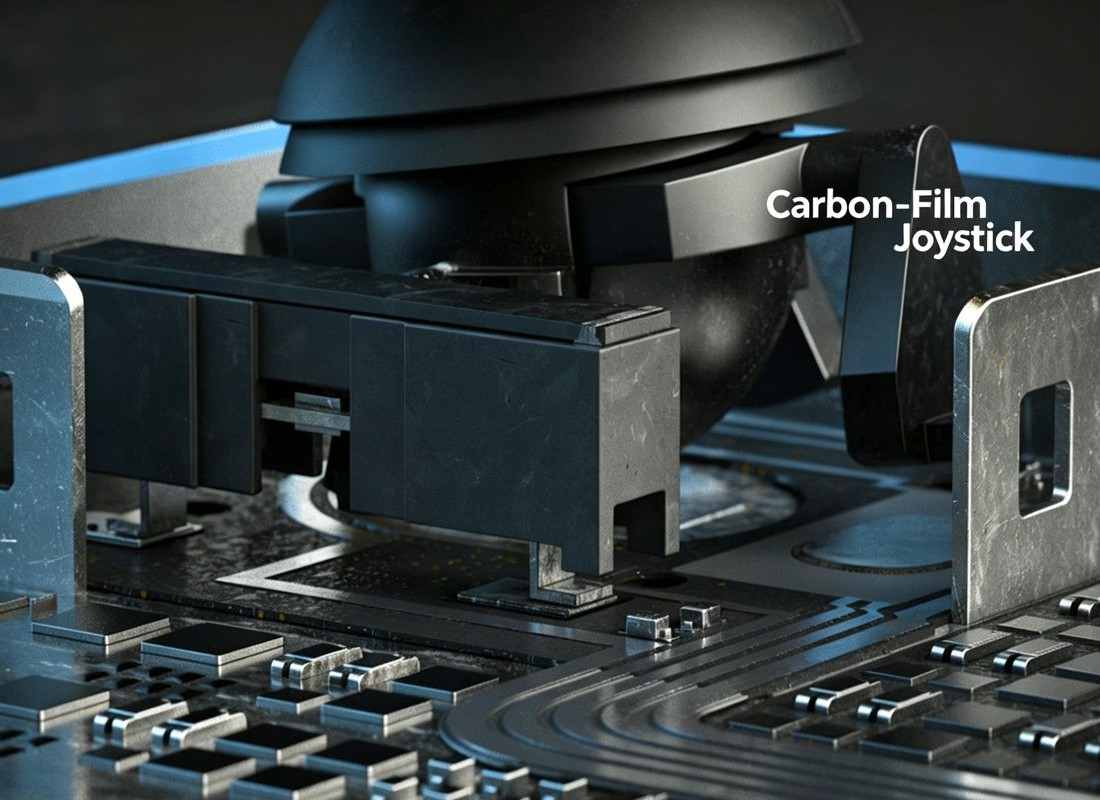
A 5-way joystick for mouse, arrows, or scroll. Three hot-swap mechanical keys. A thumb trigger. All reprogrammable.

Talk instead of type

The Voice Edition streams a clean, AI-denoised mic to your PC as a virtual microphone. Hold, speak, done.

Voice Edition
Live demo · no download

Play with it, right here.

The very controls from the companion app, running in your browser. Recolor the wand, remap a key — feel how it works before it ships.

#2bee93

Presets

Drag the wheel — the wand recolors live. In the app this is the expression layer; a second status layer reacts to battery, connection, and mode.

Who it's for

A wave for every workflow.

Developers

Vibe-code at the speed of thought

Fire a build, re-run a prompt, jump the cursor — without leaving the home row.

AI power users

Talk, don't type

Trigger Wispr Flow, SuperWhisper, or system dictation and fill the cursor with your voice.

Writers & creators

Snippets on tap

Punch in signatures, links, and boilerplate — or dictate the messy first draft.

Streamers

A Stream Deck you can hold

Scene swaps, mute, markers, and lighting cues, mapped to keys and the stick.

Presenters

Own the room

Advance slides, spotlight, and switch demos with a single thumb.

Gifting

For the dev who has everything

It looks like an actual magic wand. We rest our case.

Companion app

Wand Companion. Your wand, your rules.

A clean, dark desktop app for Windows & macOS. Remap keys, build macros, design lighting, and manage profiles — no account required.

  • Visual key remapping & macro builder
  • Live color wheel with dual lighting layers
  • Per-app profiles, one-tap switching
  • Firmware updates over Bluetooth
  • 12 languages, follows your system
Wand Companion
Lighting · Expression layer
Brightness
Speed
UI preview
Editions

Pick your edition.

Same wand, same app. The Voice Edition adds a streaming, AI-denoised microphone for talking instead of typing.

Standard Edition

$69$99early bird
  • 3 hot-swap mechanical keys
  • 5-way joystick + side trigger
  • Full key remap & macros
  • Dual-layer RGB lighting
  • Per-app profiles
  • Bluetooth · Windows & macOS
Notify me at launch
Most popular

Voice Edition

$89$129early bird
  • Everything in Standard
  • Streaming microphone to your PC
  • AI noise cancellation
  • Shows up as a virtual mic in any app
  • Push-to-talk on the side trigger
  • Built for Wispr Flow / SuperWhisper
Notify me at launch

Early-bird pricing is Kickstarter-only and limited. Final tiers announced at launch.

Specs

The details.

Wireless
Bluetooth LE 5.3
Controls
3 hot-swap mechanical keys · 5-way joystick · side trigger
Lighting
SK6812 addressable RGB · dual-layer
Microphone
MEMS PDM mic (Voice Edition)
Battery
Rechargeable Li-Po · USB-C charging
Compatibility
Windows & macOS
Companion app
Free · 12 languages · no account
Size & weight
≈ Ø35 mm × 105 mm · ≈ 80 g

Specs are preliminary and may change before production.

Be there when the wand drops.

Kickstarter backers get the lowest price we’ll ever offer. Join the launch list — we’ll send a single email the day it goes live.

Be first in line for early-bird pricing. No spam — unsubscribe anytime.

FAQ

Good questions.

We're launching on Kickstarter soon. Join the list and you'll be first to know — plus you'll get early-bird pricing reserved for subscribers.

Our story

Made by makers, not a megacorp.

CodingWand started as a simple itch: AI writes most of the code now, but we’re still hunting for shortcuts and breaking flow to type. So we built the thing we wanted — a wand that turns your most-used actions, and your voice, into a flick of the wrist.

We designed the circuit boards, printed the shells, and wrote the firmware ourselves. The logo is a vine wrapping a wand: tech that grows around how you actually work. Kickstarter is where you come in — back us and help shape the first run.